
A CRM that fits how you work
Choose the fields, lead stages, attendance rules, payments and dashboards. Change what matters without waiting for a vendor to add a feature.
 EOS Build Lab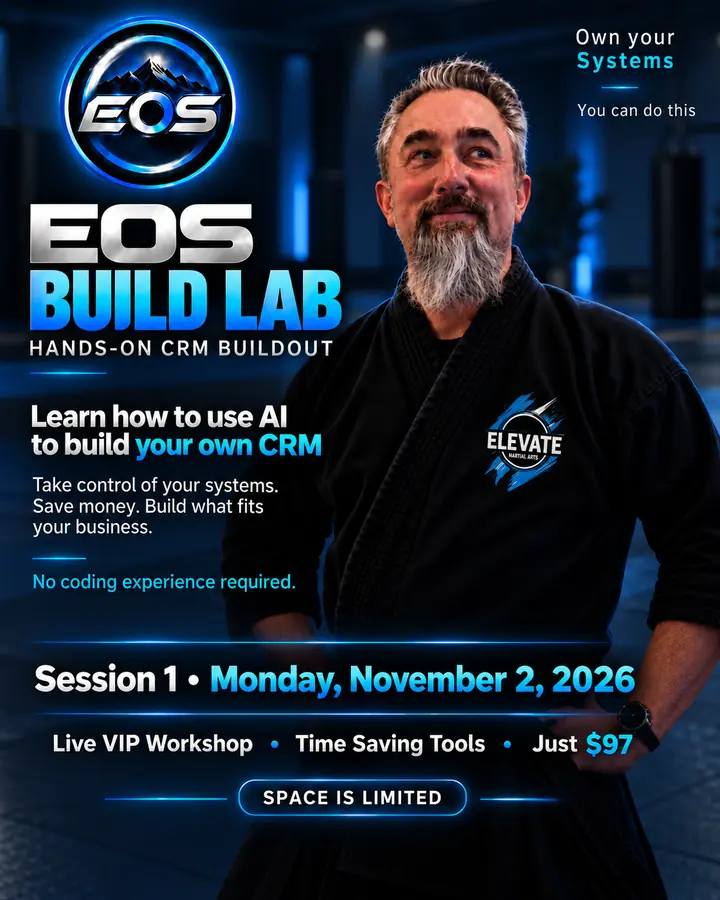
You don't need to know how to code. You already know how you want your business to work. ChatGPT can help write the code. You decide what the system needs to do, how it looks and what you want to build next.
I'll walk you through the tools, show you how they work together and give you the prompts to start building your own CRM—possibly as quickly as a weekend. Not a software demo. A starting point for creating something that's yours.
Can’t attend live? Get notified when the replay is available →
This is a walkthrough and starter toolkit, not a CRM built for you in one hour. Separate third-party subscriptions, hosting and API fees may apply.
Most business software asks you to adapt to its system. Building your own gives you a chance to turn that around. Start with what your business actually needs, and keep improving it as you grow.
Choose the fields, lead stages, attendance rules, payments and dashboards. Change what matters without waiting for a vendor to add a feature.
Your site can be more than an online brochure. Session 2 covers your design, hosting, website-to-CRM leads, security and backups—so you can build something you control and protect.
Custom software and ongoing development changes can cost thousands of dollars. Using AI to help write and revise code can reduce how much you need to outsource—while you stay in charge of the project.
Imagine asking which leads need a call, seeing Meta business messages alongside customer records, or reviewing an AI-drafted social post and publishing it with a click. Session 3 explores those connections, automations, student apps and attendance kiosks.
You still own the work of testing, security, backups and maintenance. AI makes building more approachable; it doesn't remove the need to check what it creates.
Each session takes you further—from starting your own CRM, to owning your website and safeguarding your data, to adding AI and the tools that make daily operations easier.
See the setup, understand the tools and leave with a realistic starting point for building your CRM using ChatGPT. No coding background needed to follow along.
Building it is step one. Protecting it and putting it to work is step two. This is the must-attend follow-up before you bring your CRM and website into everyday business use.
Make it yours. Make it connected. Make it safe.
Coming soonYour CRM becomes the place where everything comes together. Imagine your business messages in one inbox, AI helping create your social posts, and publishing to connected channels with a click after you review them.
One business. One connected system. Less busywork.
Coming soonYou don't have to memorize programming languages. Tell ChatGPT what your business needs. Let it help plan the structure, draft code, connect the pieces and troubleshoot problems. You review the work, test it and choose what goes live.
That's the skill we're starting with: learning to direct AI as a practical development partner rather than hoping a single magic prompt builds everything.
Show me how to start →“I want one place to track leads, appointments and payments. What's the first thing we should build?”
“Let's start with contact records and a simple lead pipeline. I'll outline the tools, draft the first feature and show you how to test it.”
I'm teaching this session live on Monday, November 2. You can ask questions about your own business in the private VIP Q&A. Once the class video is ready, you'll get a copy of the teaching session to watch again as you build.
One-hour walkthrough, 30-minute VIP Q&A, tool list, starter prompts and the instructional replay when it's ready. The Q&A is only for live attendees.
After the live event, newcomers will be able to purchase the recorded class. They'll get the lesson, but not the live Q&A. The Q&A won't be included in the recording.
Live participants will receive the class recording after editing. The replay will be sold separately once it's available; it isn't for sale yet.
That shouldn't mean missing out. Leave your email and I'll let you know when the Session 1 recording is ready to purchase, so you can learn on your own schedule.
Signing up for this update is free. The recording will be sold separately after the live workshop; this is not an event registration.
See the software, hosting and services that fit together—and what each one actually does. No mysterious developer shopping list.
Take home the starting prompts for getting ChatGPT to understand your business, plan a CRM and help create the first features.
Watch how AI-assisted coding, client records, attendance, payment collection and email connections fit into one workflow.
Get a practical checklist for permissions, backups, testing and reviewing AI-generated changes before using live customer data.
We'll show you the tools and prompts, not build a finished CRM during the session. Your project and pace are yours. Test and secure AI-generated code before handling real customer or payment data.
That's who this is for. You learn to explain what you want, use AI as your coding partner and check the result. You don't need to show up knowing a programming language.
No. This is the walkthrough that gets you oriented: tools, examples, prompts and guardrails. You'll connect your tools and work on your CRM afterward at your pace.
No. The point is to show you how to build and control your own CRM using tools you choose. Independent hosting, AI, payment and other services can have their own costs.
That's the exciting part. Once your CRM is connected and permissioned, AI can help surface follow-ups, answer questions, create reports and assist with routine work. We'll explore that in Session 3.
Your ideas are the starting point. We'll show you the tools to bring them to life.